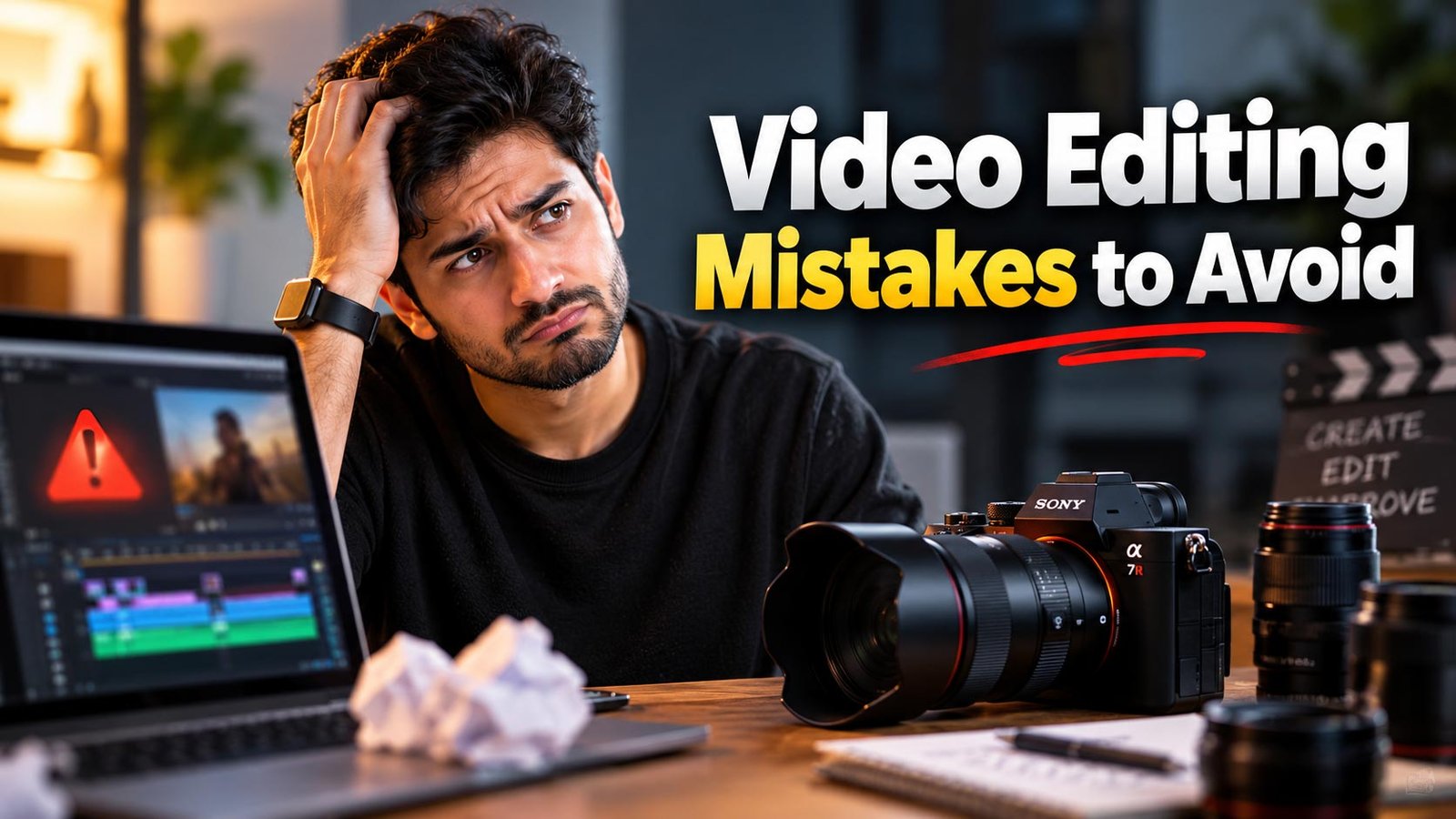
High-quality video content drives modern digital engagement across search engines, social feeds, and AI search engines. However, even the most compelling script and expensive camera setup can fall flat if your post-production workflow lacks discipline. Whether you are producing promotional brand content, tutorials, or social campaigns, steering clear of common post-production errors separates amateur media from high-converting creative assets.
Why Professional Video Editing Determines Digital Performance
In modern digital marketing, watch time, completion rate, and audience retention directly signal algorithmic value. Search engines and AI-driven platforms prioritize content that delivers clear value quickly. Cluttered timelines, erratic cuts, and inconsistent audio instantly drive viewers away, depressing your metrics. Avoiding fundamental post-production traps ensures your visual media communicates authority, retains viewership, and maximizes conversion rates.
The Most Common Video Editing Mistakes to Avoid
1. Poor Audio Levels and Inconsistent Sound Design
Viewers will tolerate mediocre video quality long before they tolerate inferior sound. One of the most frequent video editing mistakes is neglecting audio balance. Editors often leave dialogue competing against background music, or allow dynamic levels to swing unpredictably between whispering speech and jarring sound effects.
- The Fix: Always monitor your audio with dedicated meters. Standardize dialogue levels between -12 dB and -6 dB, while ducking ambient background music down to -18 dB to -24 dB when speech is present. Incorporate noise reduction filters to remove room hum and apply subtle compression to even out unpredictable vocal spikes.
2. Disregarding Narrative Rhythm and Pacing
Pacing is the heartbeat of visual storytelling. Two recurring traps exist: cutting too rapidly without letting key emotional moments settle, or holding shots for too long until audience interest wanes. Cutting strictly to a musical beat without evaluating dialogue cadences creates an exhausting, repetitive tempo.
- The Fix: Let the narrative dictate the rhythm. Trim unnecessary pauses, redundant filler words, and awkward hesitations, but allow impactful conclusions a moment to breathe. Vary your shot lengths to keep viewers engaged without disorienting their comprehension.
3. Jarring Jump Cuts and Unmotivated Transitions
While jump cuts serve a purpose in rapid-fire creator videos, relying on them carelessly creates visual stutter that undermines professional credibility. Similarly, gratuitous 3D transitions, random whip pans, and flashy wipes distract audiences from the core message.
- The Fix: Use J-cuts and L-cuts to lead with audio before visual transitions occur. When cutting between takes of a single subject, switch between distinct focal lengths (such as moving from a medium shot to a tight close-up) or disguise dialogue cuts with relevant B-roll footage to maintain visual fluidity.
4. Inconsistent Color Correction and Haphazard Grading
Color grading evokes emotion, but it cannot fix improperly balanced footage. Applying stylized Creative LUTs without first matching primary exposure and white balance across multi-camera setups results in mismatched skin tones, clipped highlights, and muddy shadows.
- The Fix: Execute primary color correction first. Balance white points, black points, and midtones across all clips using waveform monitors and vectorscopes. Once the baseline is uniform, apply creative color grading that aligns with your brand identity and the latest graphic design trends in 2026 to present a unified aesthetic.
5. Overusing Flashy Effects, Text, and Transitions
Amateur productions often suffer from an overabundance of preset lens flares, neon motion graphics, and heavy overlay effects. When every second features animated elements, the viewer experiences cognitive overload, and the core message is lost.
- The Fix: Every edit, effect, and graphic overlay must serve a functional purpose. Keep typography legible, align motion graphics with brand guidelines, and ensure lower-thirds do not obstruct vital action areas or mobile interface overlays.
6. Overlooking Platform-Specific Aspect Ratios and Safe Zones
Exporting a widescreen 16:9 video directly onto vertical platforms like Instagram Reels, YouTube Shorts, or TikTok creates terrible user experiences. Crucial on-screen titles often get covered by comment sections, like buttons, or profile handles.
- The Fix: Edit with custom guides and safe zones tailored to each platform. Repurpose footage deliberately into native 9:16 or 1:1 dimensions, reframing subjects inside the center frame so no essential narrative detail or call to action is obscured by interface elements.
7. Poor Organization and Irresponsible Project Backups
Messy asset folders, lost media links, and unorganized timeline tracks consume production hours and increase human error. Working off a single drive without redundancy risks catastrophic data loss.
- The Fix: Establish a standardized folder structure for footage, audio, graphics, and exports. Follow the 3-2-1 backup rule: maintain three copies of your data across two different storage types, with at least one copy stored offsite or in cloud cold storage.
Essential Pre-Export Checklist for Video Editors
Before delivering final client masters or uploading to your content delivery network, verify this quality assurance protocol:
- Audio Scrub: Listen via both studio reference monitors and mobile phone speakers to check dialogue clarity and audio balance.
- Color Scopes Check: Verify skin tones rest along the vectorscope flesh tone indicator and ensure no luminance values clip beyond legal broadcast ranges.
- Graphic and Spelling Verification: Proofread all lower-thirds, subtitles, captions, and title cards for grammatical accuracy and font hierarchy.
- Framing Inspection: Toggle UI overlays to ensure no captions or buttons obscure your primary visual focus or brand logos.
- Export Settings: Choose proper codecs (such as ProRes for archival masters and H.264/H.265 for web delivery) matched to source frame rates and color spaces.
Why Tech XML is the Right Choice for Video and Digital Production
Creating compelling visual media requires more than standard editing tools; it demands a strategic perspective that bridges creative excellence and commercial performance. Tech XML brings together dedicated creative editors, motion designers, and digital growth strategists who understand how to transform raw video footage into an active revenue engine.
Whether you require technical post-production, multi-platform adaptation, or end-to-end creative campaigns, our team ensures every cut serves your business objectives. If your organization is currently evaluating external growth partners, our guide on how to choose the right digital marketing agency outlines the benchmarks required for building sustainable organic reach and measurable digital returns.
Ready to Dominate Your Market?
Stop wasting budget on fragmented tactics. Partner with Tech XML to build a cohesive growth machine.
Frequently Asked Questions (FAQs)
What is the single biggest video editing mistake?
The most damaging mistake is poor audio quality. Viewers will click away immediately if dialogue is muffled, erratic, or drowned out by background music. Crystal-clear voice capture and balanced sound design always take precedence over complex visual effects.
How can I make my video edits look professional on a limited budget?
Focus on foundational craftsmanship rather than paid plugins. Clean up dialogue with equalizer adjustments, eliminate dead space with intentional pacing, match exposure and color temperature across all clips, and incorporate stable B-roll to cover transition cuts cleanly.
Why is my video export blurry or pixelated after upload?
Blurry exports typically stem from mismatched resolution settings, inadequate bitrate selection, or heavy platform re-compression. Always match your export sequence settings to your source footage frame rate and use two-pass VBR encoding with optimal bitrates (typically 15 to 20 Mbps for standard 1080p web uploads and 40 to 60 Mbps for 4K).
How do pacing and cutting affect viewer retention rates?
Pacing directly governs engagement. Lingering on static shots creates visual fatigue, while frantic cutting without narrative motivation causes viewer disorientation. Balancing dynamic cut frequency with natural pauses retains viewer attention and improves algorithmic watch time metrics.






Leave a Reply