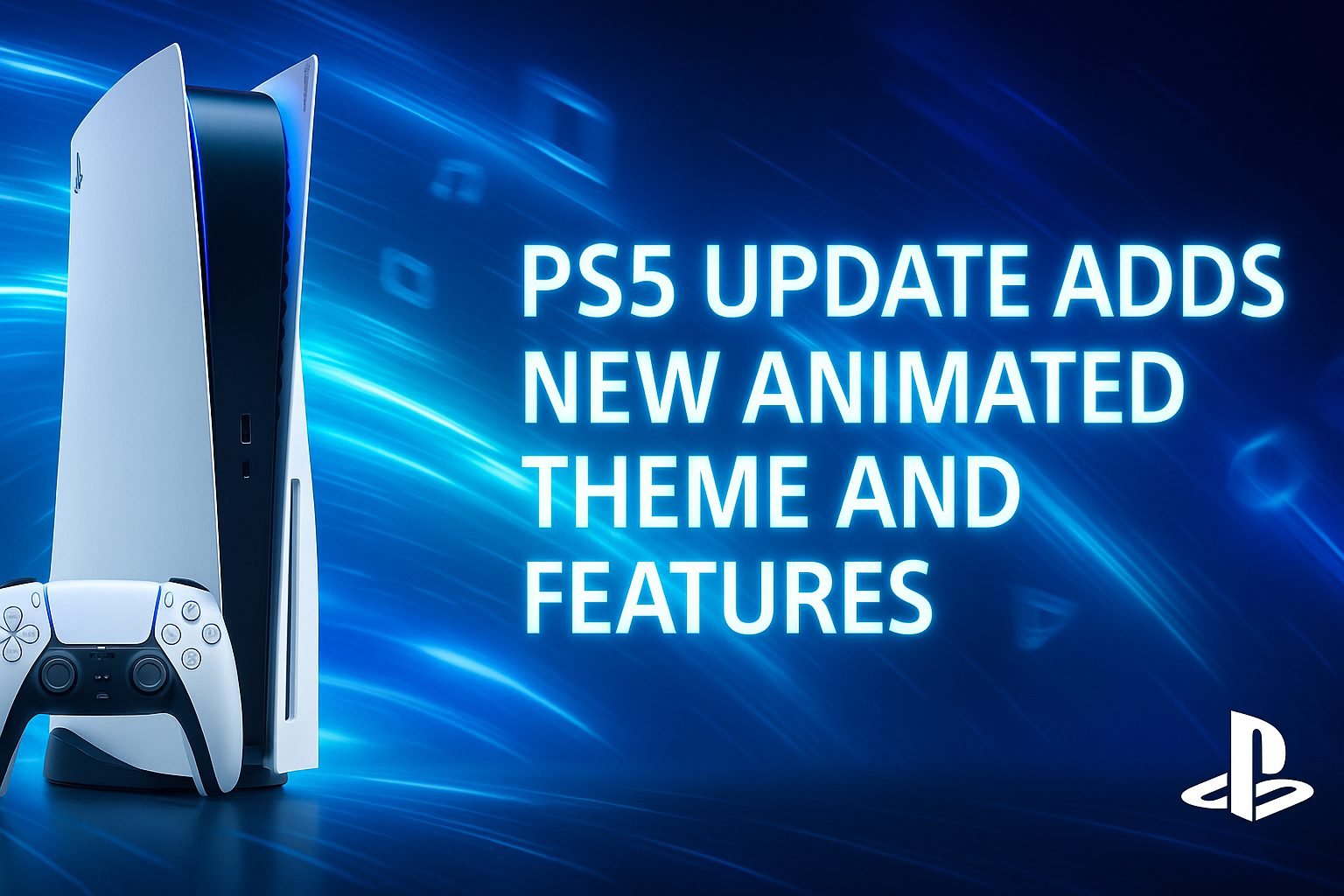
PlayStation users have another reason to celebrate. The latest PS5 update has officially landed, bringing visual dynamism, animated themes, and smoother customization controls. Every update from Sony is met with excitement, and this one truly delivers a visual refresh gamers have been waiting for.
The PlayStation 5 has always been about innovation. With this release, Sony blends power, performance, and personalization. It is not just a patch, but a complete aesthetic evolution that enhances the user experience from the moment you start your console.
What Is the PS5 Update?
The PS5 update is Sony’s latest system software release introducing animated themes, interface improvements, and faster overall performance. It redefines how the PlayStation 5 looks and feels by adding motion, fluidity, and interactivity to its dashboard.
This update combines visual flair with functional excellence, transforming your home screen into a living, customizable environment.
The PS5 Update: What’s New in 2025
The PS5 latest update 2025 focuses on design, speed, and personalization. While earlier updates improved backend performance, this one completely changes the visual layer. Players can now explore PS5 animated themes, adaptive icons, and lighting effects that match their preferences.
Key Highlights of the New PS5 System Update
- Animated Themes: Choose from exclusive, dynamic backgrounds inspired by PlayStation titles like Spider-Man 2 and God of War: Ragnarok.
- Enhanced Dashboard Animation: Faster loading menus, smoother transitions, and cleaner navigation.
- Performance Upgrades: Optimized memory usage, improved responsiveness, and reduced lag between screens.
- Personalized Sound Design: Add subtle background sounds that match your chosen theme.
- Improved Accessibility: Easier controls, voice-guided menus, and better contrast for readability.
Sony’s design philosophy is clear: to make every update a balance of performance and personality.
Why the New PS5 Animated Theme Feels Special
Among all PlayStation 5 update features, the animated theme stands out as the most exciting addition. These aren’t simple moving wallpapers; they adapt to brightness levels and create depth with ambient lighting.
The PlayStation 5 animated wallpaper collection brings your favorite games to life. Imagine your dashboard glowing with Kratos’ blue aura or flickering in sync with the neon cityscape of Cyberpunk 2077. It feels like your console finally matches the intensity of your gameplay.
A Real Story: How an Update Changed One Gamer’s Routine
Rohit, a long-time PlayStation enthusiast, rarely touched his interface settings. But when he tried the Horizon Animated Theme after this PS5 update, he was surprised. Watching Aloy’s figure move with the shifting sunlight made him feel connected to his console again.
“It’s strange,” he said. “A simple visual change reignited my excitement for gaming. The dashboard feels alive now.”
Stories like Rohit’s prove that visuals can be powerful motivators for player engagement.
Exploring the PlayStation 5 Update Features
The new PS5 system update improves functionality alongside design. Here’s what gamers will love most:
1. Enhanced User Interface
The PS5 user interface update introduces a faster, more streamlined design. Menu icons now animate smoothly, and switching between games feels almost instant.
2. Personalized Control Center
Rearrange quick-access tiles for recording, sound, and connectivity. The customization allows you to focus on your gaming priorities.
3. Dynamic Game Library
Your game library now displays looping motion thumbnails, adding life to your dashboard. Browsing feels exciting and cinematic.
4. Themed Light Sync
Your console’s theme colors can sync with compatible devices like Sony TVs or Pulse 3D headsets, enhancing immersion.
5. Faster Sharing Options
You can instantly upload screenshots or clips to social media, thanks to improved data compression and upload speeds.
Each improvement proves Sony’s dedication to merging aesthetics with technical brilliance.
How to Install the PS5 Update
If you haven’t updated your console yet, follow these simple steps:
- Go to Settings > System > System Software > Update and Settings.
- Select “Update Using Internet.”
- Wait for the download to finish.
- Restart your console once prompted to apply the update.
Your system will automatically enable the latest PS5 customization options and features after installation.
How to Access and Apply the New PS5 Themes
Once your console is updated, applying a new animated theme is simple:
- Go to Settings > Personalization > Themes.
- Choose Animated Themes from the available section.
- Browse or purchase themes directly from the PlayStation Store.
- Adjust accent color, motion speed, and sound preferences.
- Apply your changes to experience your new dashboard instantly.
This flexible setup ensures every gamer can create a console aesthetic that matches their vibe.
Why the PS5 Update Matters for Every Gamer
Competitive gamers enjoy faster access to matches. Streamers love the polished UI that makes recording easier. Casual players appreciate how the animations make their console feel fresh every time they use it.
The PS5 latest update 2025 creates a bridge between performance and expression. It gives every type of player something meaningful.
Read More-
- Top 5 Best Tablet Accessories to Buy in 2025
- Top 5 Best Xbox Gaming Accessories in 2025
- Best Android Launcher for Christmas Theme 2025
- Top 5 Best PS5 Gaming Accessories in 2025
- Top 5 Best Nintendo Switch Accessories in 2025
User Reviews: Real Reactions from the Community
1. Ananya M., Streamer from Mumbai:
“The animations make my console feel like a part of the game world. I love the vibe.”2. Karan D., Esports Player from Delhi:
“The interface feels faster and smoother. It’s a clear performance boost.”3. Tia S., Gamer from Pune:
“The customization options let me match my console’s look to my favorite games. It’s fun and personal.”
Forum Q&A
User (RaviGamer): Will the animated themes cause lag or frame drops?
User (LunaByte): Not at all. Sony optimized these themes perfectly. They run smoothly without affecting performance.User (NeonPlayer): Can I add my own custom theme animations?
User (TechWizard): For now, no. But Sony insiders have hinted that future updates might support third-party animated themes.
These experiences highlight how small changes can redefine player satisfaction.
Sony’s Vision Behind the PS5 Update
According to the official Sony PS5 blog, this update represents one of the biggest interface overhauls since launch. It reflects Sony’s mission to merge design and technology seamlessly.
The company’s roadmap for 2025 includes deeper PS5 software improvements and expanding personalization features that encourage user creativity. Sony’s belief is simple: gaming should feel both powerful and personal.
Accessibility and Inclusivity Upgrades
This PS5 home screen update also introduces improved accessibility. Voice commands are sharper, haptic cues are more defined, and contrast settings help visually impaired players navigate easily. Sony’s commitment to inclusivity continues to evolve, making the PS5 experience more welcoming for everyone.
What’s Next for the PS5?
Sony is reportedly working on AI-driven adaptive themes that respond to your gaming activity. Imagine your console automatically changing visuals based on your most-played game or even your recent achievements.
Future updates may also feature live widgets for weather, friends’ activity, and quick streaming tools integrated into the home screen.
The future of PlayStation looks interactive, intelligent, and artistically brilliant.
FAQs
1. How can I check my PS5 update version?
Go to Settings > System > System Software > Console Information. You will find the installed version number and release date listed there.
2. How early should I install the new PS5 update?
Install it as soon as it becomes available. Early updates ensure you receive the latest features and stability improvements first.
3. Can I turn off animated themes if I prefer a static look?
Yes, you can revert to classic static themes anytime through Settings > Personalization.
4. Will new animated themes be free or paid?
Sony offers a mix of both. Some themes come free with major titles, while premium ones are available in the PlayStation Store.
5. Does this update improve overall system performance?
Absolutely. The new PS5 update improves responsiveness, menu fluidity, and visual rendering speed across all dashboard sections.
Conclusion: A Step Forward in Visual Storytelling
The PS5 update is more than an upgrade. It’s an evolution in how gamers interact with their consoles. The animated theme, smoother UI, and advanced customization tools give the PlayStation 5 a personal and artistic touch.
Sony continues to set new benchmarks in combining creativity with performance. With each update, the PlayStation 5 becomes not just a console but an extension of your gaming personality.
It looks better, runs faster, and feels alive. That is what makes this PS5 update a true game-changer.






Leave a Reply