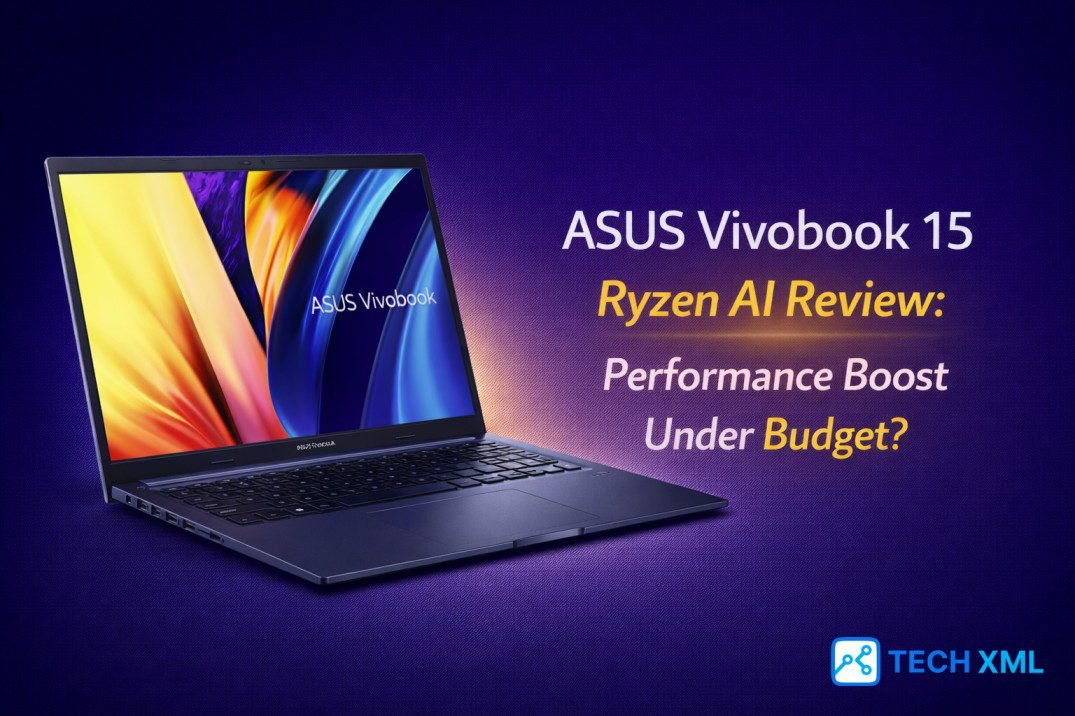
AI laptops are everywhere in 2026, yet most buyers still struggle to understand what that label truly means. Brands highlight neural engines and smart acceleration, but practical gains often remain unclear. This ASUS Vivobook 15 Ryzen AI Review focuses on real-world value rather than marketing language.
Budget buyers now face a new dilemma: Should they invest in a so-called AI laptop, or stick with a traditional processor that already handles daily tasks well? That confusion makes this model worth a closer look.
- The Brain: AMD Ryzen 7000/8000 Series with AI Engine.
- The Gain: Smoother multitasking & better video calls.
- The Trade-off: Basic build quality, average screen.
The Budget AI Laptop Shift in 2026
Until recently, AI-powered computing stayed limited to premium ultrabooks. However, chip makers pushed neural processing into mid-range devices this year. As a result, affordable machines now promise next-gen AI computing at prices that students and office workers can manage.
The AMD Ryzen AI processor inside this Vivobook represents that shift. Instead of relying only on CPU cores, it integrates an AI engine designed to accelerate specific workloads. Therefore, tasks like background noise reduction, smart framing, and productivity enhancements run more efficiently.
Design and Build: Practical, Not Flashy
ASUS keeps the Vivobook 15 design straightforward. The chassis feels sturdy for its category, though it avoids premium metal finishes. The build does not feel fragile or hollow during daily use.
The 15.6-inch display offers usable brightness for indoor work and decent color accuracy. While creators may seek better panels, students and office users will find it serviceable. At its current price bracket, the device competes strongly against other mainstream notebooks, balancing cost and durability intentionally.
Performance: Where Ryzen AI Shows Its Intent
Performance defines this ASUS Vivobook 15 Ryzen AI Review more than any cosmetic detail. In daily productivity scenarios, the laptop handles browser tabs, spreadsheets, and video calls without visible lag. Multitasking feels stable even with moderate background apps running.
Ryzen AI laptop performance shines most during hybrid workloads. When users combine video conferencing with document editing, the system maintains smooth responsiveness. The AI engine handles background tasks, keeping the main CPU free for active work.
This approach helps maintain steady performance while keeping temperatures controlled. Instead of dramatic spikes, users experience consistent output throughout the day. Synthetic benchmarks matter less here than workflow stability.
Integrated Radeon Graphics: Realistic Expectations
Integrated Radeon graphics support casual gaming and light creative tools. Basic photo editing and 1080p video trimming remain manageable. However, this laptop does not target serious gaming enthusiasts.
Students who play esports titles at moderate settings will find acceptable results. Still, graphic-intensive AAA games require lower expectations. For everyday users, graphics performance supports multimedia consumption without frustration.
Battery Life and Smart Power Behavior
Battery performance often determines long-term satisfaction. In balanced usage, the laptop comfortably lasts a full workday. The AI engine assists in reducing unnecessary power drain during idle moments, improving standby time.
For a budget AI laptop in 2026, endurance feels practical rather than exceptional. It delivers enough confidence for classes, meetings, and travel days.
A Day in Real Use
Imagine a postgraduate student attending online lectures. They take notes, run multiple research tabs, and join video calls. The system remains responsive, and fan noise stays controlled.
By evening, casual streaming and light editing continue without visible slowdowns. That consistent experience matters more than isolated benchmark scores.
Success Story: From Aging Laptop to AI Upgrade
Rohit, a freelance strategist from Pune, upgraded from a five-year-old laptop. Previously, video meetings slowed his system. After switching to this Vivobook, he noticed smoother multitasking.
Although he didn’t buy it for AI branding, he appreciated the background noise suppression and camera optimization. His battery anxiety reduced, justifying his investment.
User Reviews
Ananya, Delhi
“Perfect for MBA coursework. The keyboard is stable, and it stays cool during long lectures.”
Siddharth, Bengaluru
“Remote work is much smoother. Managing spreadsheets and video calls simultaneously doesn’t freeze the system anymore.”
Farah, Mumbai
“Good enough for light design work. I don’t do heavy rendering, so the integrated graphics are fine for me.”
Forum Discussions
Arjun, Hyderabad asks:
“Does it get hot during long meetings?”
Community Reply:
“Temperatures stay controlled for productivity. Only heavy gaming pushes the thermals.”
Frequently Asked Questions
Is it good for engineering students?
Yes, for coding and documentation. Heavy 3D simulations might need a stronger GPU.
Does the AI processor really help?
It improves video call quality and multitasking efficiency, ensuring smoother daily performance.
Can I play games on it?
Casual and esports titles run fine. Don’t expect to play heavy AAA games at high settings.
Is the battery reliable?
Yes, it lasts a full workday under moderate usage. Heavy tasks will drain it faster.
Final Verdict
This ASUS Vivobook 15 Ryzen AI Review shows a laptop that prioritizes balance over spectacle. It does not revolutionize computing, yet it integrates AI capability into a sensible price segment. For students and remote workers seeking clarity over hype, this model deserves consideration within the affordable performance laptop category.






Leave a Reply