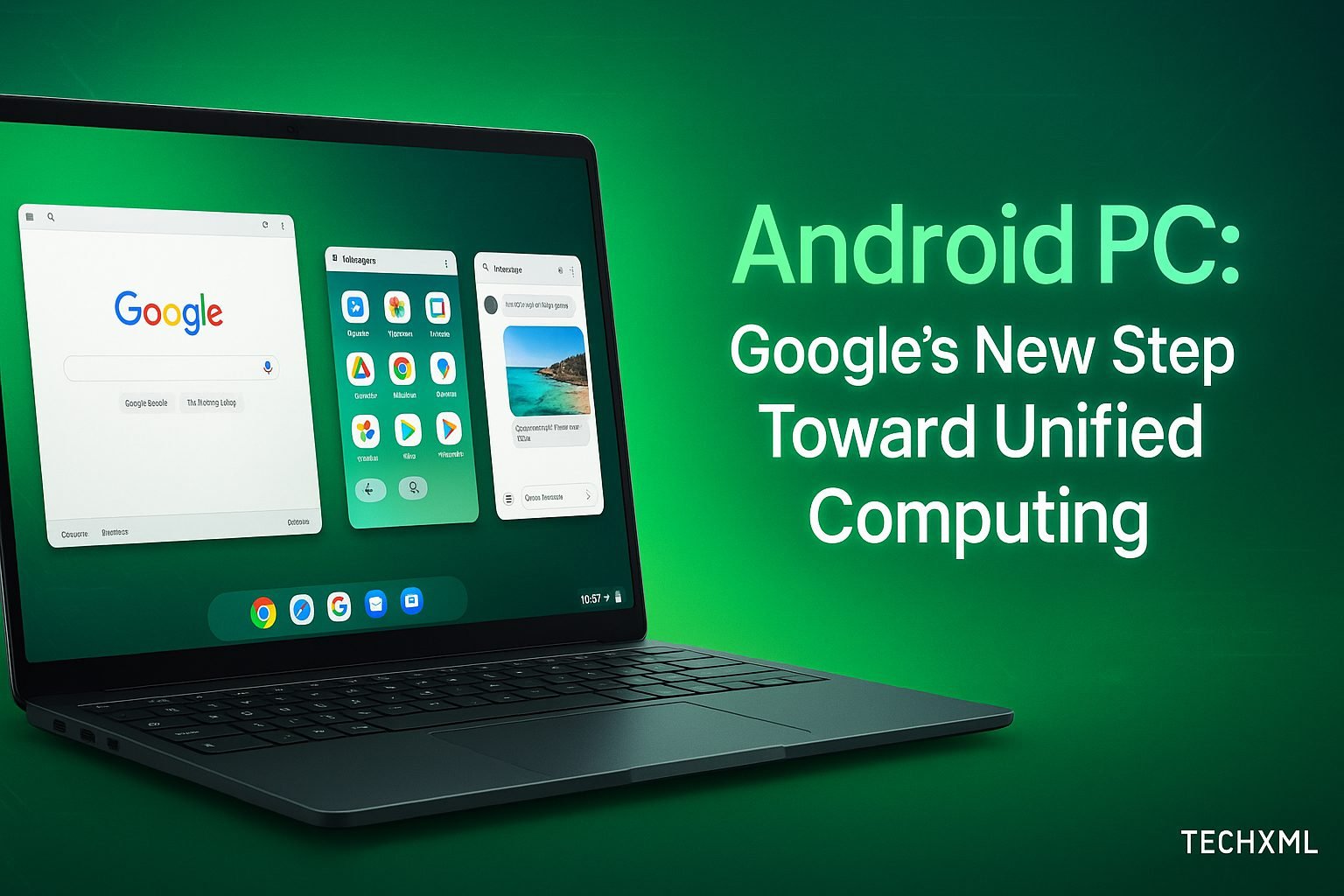
For years, Android has powered billions of smartphones across the globe, reshaping how we communicate, work, and connect. Now, Google is preparing for its next big leap, the Android PC. This concept represents a bold step toward unified computing, a future where mobile and desktop environments merge into one flexible system. Imagine opening your laptop and seeing your familiar Android interface, with all your apps, data, and tools instantly accessible. This vision is not distant anymore, it is Google’s new direction for seamless cross-device integration.
The Android PC is not just another operating system experiment. It is a statement about where Google sees the future of productivity, entertainment, and connectivity heading. As the boundaries between devices blur, Android is evolving from a mobile-first ecosystem to a universal platform designed to empower users in every context, from smartphones and tablets to laptops and desktops.
What Is Android PC? The Vision Behind Unified Computing
The term Android PC refers to Google’s effort to create a computing environment where Android can run natively on desktop hardware. Unlike ChromeOS, which emphasizes web-based workflows, Android PC focuses on app continuity and ecosystem unity. The goal is simple: let users access the same Android experience across screens without losing performance, interface familiarity, or app functionality.
This shift means you could plug your phone into a monitor, or boot Android directly on a PC, and instantly continue your workflow. Whether you are editing a document, joining a video call, or managing cloud storage, Android PC aims to make everything feel consistent and intuitive.
Why Google Is Building Toward Unified Computing
The motivation behind this transformation lies in user demand. People want consistency, mobility, and simplicity. With remote work, hybrid education, and mobile-first lifestyles dominating today’s digital world, users expect their devices to sync effortlessly.
Google’s unified computing approach is designed to:
- Enhance productivity by allowing Android apps to run on desktop-class devices.
- Strengthen the ecosystem by bridging gaps between Android, ChromeOS, and Windows.
- Empower developers to create adaptive apps that scale from phones to large displays.
- Offer flexibility to professionals who move between workspaces and devices daily.
In essence, Android PC is not just about bringing Android to a new device category. It is about unifying every part of the Google ecosystem into one adaptable, intelligent system.
How Android PC Differs from ChromeOS
While ChromeOS and Android Personal Computer might appear similar, their purposes differ significantly. ChromeOS relies heavily on web-based apps and cloud storage, while Android PC centers on native app compatibility and offline performance.
| Feature | ChromeOS | Android PC |
|---|---|---|
| Core Focus | Web and cloud computing | App-based productivity |
| Primary Users | Education, enterprise | General users, developers |
| App Ecosystem | Web and Play Store | Fully Android-native |
| Offline Capability | Moderate | Strong |
| Interface | Browser-based | Android desktop UI |
This contrast highlights Google’s evolving mindset. ChromeOS remains ideal for cloud-driven environments, but Android PC will serve users who prefer a unified, offline-capable, app-first computing experience.
The Android Desktop Experience: What to Expect
The Android desktop experience is designed to mimic the fluidity of a smartphone while introducing the power of desktop multitasking. Users can expect a familiar interface, complete with a taskbar, windowed apps, and mouse-keyboard integration.
Some key features include:
- Multi-window Support: Drag, resize, and manage multiple apps simultaneously.
- Keyboard Shortcuts: Enhanced input support for traditional PC controls.
- File System Access: Improved local storage management similar to Windows or macOS.
- Universal Sync: Shared notifications, clipboard, and messages across devices.
- Optimized UI Scaling: Apps automatically adjust to large-screen environments.
These features collectively transform Android from a mobile operating system into a capable desktop environment that feels natural on any device.
Developers and the Android PC Opportunity
For developers, Android Personal Computer opens exciting new horizons. Apps built for mobile can now scale across larger displays, offering expanded layouts and richer interactivity. Google’s updated Jetpack Compose and Material You design systems simplify this adaptation by ensuring consistent aesthetics and usability across screen sizes.
Developers can also leverage the same codebase for both mobile and desktop deployments, minimizing development time while maximizing reach. As Google integrates Android Studio with cross-device testing tools, creating seamless user experiences will become easier than ever.
How Android PC Improves Productivity
One of the biggest strengths of Android PC is its focus on productivity. By combining Android’s rich app ecosystem with desktop-grade tools, users can handle everything from casual browsing to professional workflows without switching platforms.
Here’s how it enhances productivity:
- Native App Access: Run powerful apps like Canva, Microsoft Office, or Adobe Lightroom directly on desktop hardware.
- Google Workspace Integration: Access Docs, Sheets, and Meet in optimized windowed modes.
- Cloud Syncing: Automatic backup and sync across all Android devices using Google Drive.
- Offline Efficiency: Continue working on files even without internet connectivity.
The system’s adaptability ensures that your phone, tablet, and PC act as one synchronized workspace, making transitions between devices effortless.
Comparing Android PC with Samsung DeX
Samsung DeX was one of the earliest attempts to extend Android into desktop computing. While it allowed users to dock their phones and use them like PCs, it had limitations in performance, app optimization, and hardware dependency.
Android PC, however, moves beyond these barriers by being an independent platform. It does not rely on phone hardware alone, offering a more stable and scalable foundation. With Google’s direct involvement and ecosystem support, this new platform can finally achieve what DeX hinted at, a truly unified Android desktop experience.
Mini Story: How Android PC Simplifies Real-Life Workflows
Ravi, a freelance graphic designer from Bengaluru, often switches between his smartphone and laptop. He designs logos on his phone during travel and edits them on his desktop later. With Android PC, his workflow changed completely. Now, his phone’s workspace syncs instantly with his PC. The same design app, same interface, and even the same project remain open, letting him continue work exactly where he left off. This seamless shift saves him hours each week.
Stories like Ravi’s highlight how Android Personal Computer is not just technology. It is a lifestyle upgrade that connects devices, data, and creativity in one environment.
Read More-
- iPhone 17 Pro Orange Turning Pink — What’s Going On?
- How to Clear Cache on Your PS5 (Step-by-Step Guide)
- Best Foldable Phones to Buy in 2025
- Apple One Adds Four New Services — Here’s What’s New
- Top 10 Wireless Earbuds for Gaming in 2025
The Future of Cross-Platform Computing
As cross-platform computing evolves, Google’s unified ecosystem is set to redefine user expectations. The goal is to remove the mental and functional separation between devices. Whether you use Android on a tablet, a PC, or even a foldable screen, the experience should remain consistent and interconnected.
With AI integration, real-time data sync, and context-aware multitasking, Android Personal Computer could become the foundation of a more personalized and efficient digital ecosystem. Google’s continuous updates to Android’s kernel and performance optimizations indicate that this is more than a prototype. It is a glimpse of future computing.
Why Android PC Matters for the Tech Industry
The launch of Android PC will impact the industry far beyond user experience. Hardware manufacturers can innovate with new form factors. Developers gain wider markets. Enterprises can deploy flexible, cost-effective solutions. Most importantly, users benefit from an ecosystem that prioritizes simplicity and speed over fragmentation.
This initiative signals Google’s intention to compete not only in mobile but also in mainstream computing, blurring the lines between phones, laptops, and desktops once and for all.
Extra Benefits of Android PC
- Unified Device Control: Manage all connected devices from one dashboard.
- Improved Gaming: Access Android games optimized for PC graphics and performance.
- Enhanced Security: Integrated Play Protect ensures app safety even on larger devices.
- Customizable Interface: Personalize layouts, icons, and gestures for a desktop-like setup.
The Android Personal Computer environment is not just efficient. It is adaptable to personal style and preferences, offering the best of both Android flexibility and PC stability.
User Reviews
Ananya Singh, Delhi:
“I tested Android Personal Computer at a developer event and was amazed. It is fast, intuitive, and feels like a perfect bridge between my phone and laptop.”Rohit Mehta, Pune:
“As someone who edits videos on Android, being able to continue that on my PC is game-changing. This is the integration we have been waiting for.”Priya Nair, Chennai:
“Android PC could make work-from-anywhere real. It feels like my entire mobile world just got a desktop home.”
Forum Q&A Discussions
Q (Ramesh, Hyderabad): Will Android PC replace Windows in the long run?
A: Not immediately, but it might become a preferred choice for those deeply integrated with Google services and Android apps.Q (Kavita, Gurgaon): Will developers need to create separate apps for Android PC?
A: No, existing apps can be optimized using adaptive design tools. Developers will not need to start from scratch.
FAQs About Android PC
1. What is Android PC in simple terms?
Android PC is Google’s version of Android designed to run natively on laptops and desktops, offering a unified app and system experience.
2. How is Android PC different from ChromeOS?
ChromeOS focuses on web apps, while Android PC delivers native app performance, offline usability, and full Android integration on desktop hardware.
3. Can I install Android PC on any computer?
Google aims to make it compatible with most modern x86 and ARM devices, although full compatibility details will depend on hardware partners.
4. Will Android PC support gaming?
Yes, Android Personal Computer will support high-performance gaming with improved graphics optimization and compatibility with Android game titles.
5. When will Android PC be available?
While no official release date has been announced, early developer previews and internal testing indicate a potential rollout within the next product cycle.
Conclusion: The Start of a Unified Computing Era
Android Personal Computer marks Google’s biggest step toward unified computing yet. It bridges mobile convenience with desktop capability, turning multiple devices into one cohesive ecosystem. With stronger app compatibility, smoother performance, and seamless integration, Android PC could become the standard for digital life in the coming decade.
The era of switching between disjointed systems is ending. The Android Personal Computer future is one where your phone, tablet, and computer finally speak the same language, the language of unity, speed, and simplicity.






Leave a Reply