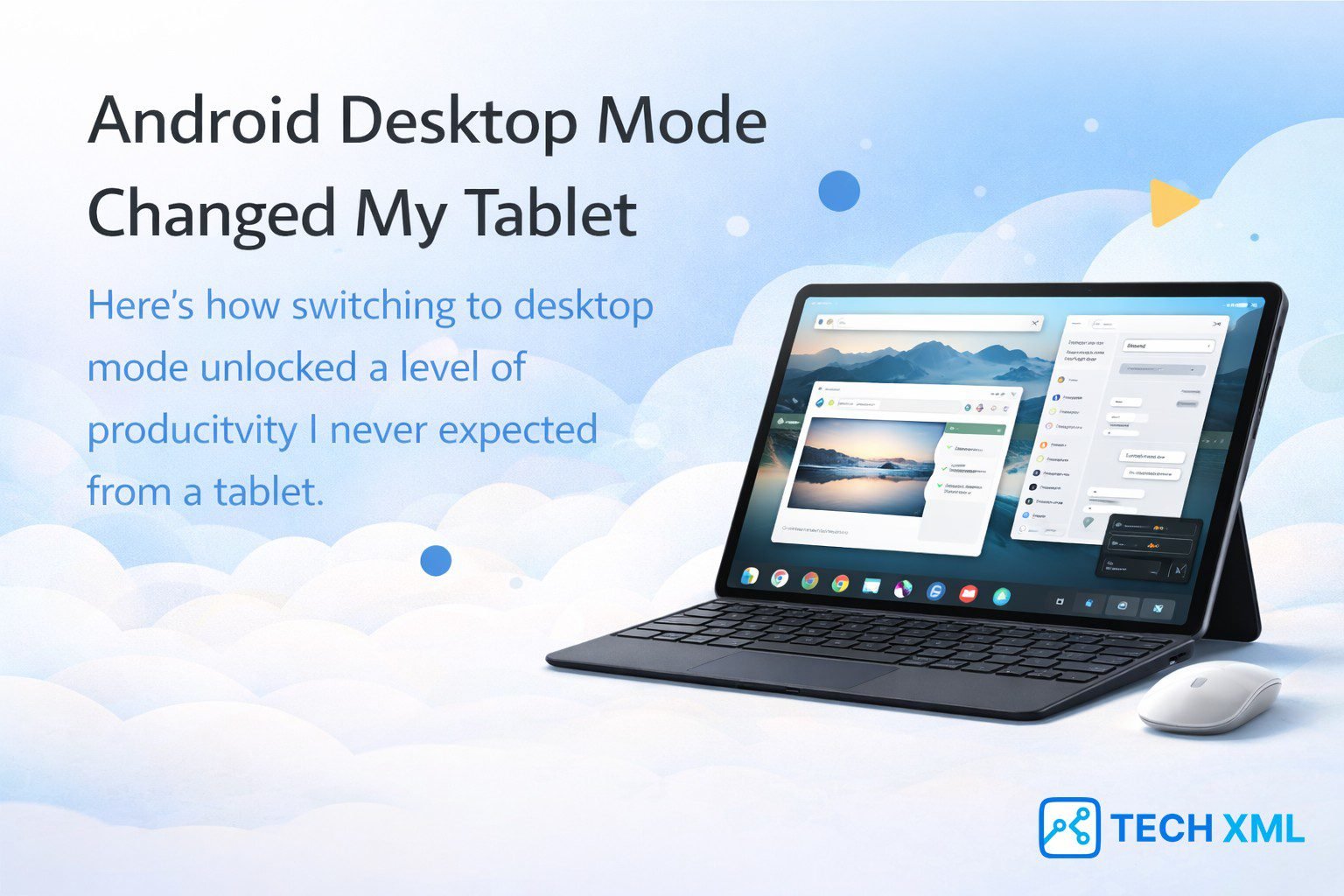
The moment Android Desktop Mode Changed My Tablet, the device stopped behaving like a large phone. For years Android tablets delivered good hardware but lacked the software environment needed for real productivity. Most people used them mainly for entertainment.
Recently that situation started shifting. Android introduced a desktop style interface that allows apps to open inside movable windows. Instead of switching endlessly between full screen applications, users can now manage several tasks simultaneously.
This change may sound simple, yet it completely alters how tablets function in daily life. Many users now treat their tablet as a lightweight computer rather than a secondary device.
Understanding this shift helps explain why Android tablets are entering a new phase in 2026. The operating system finally supports workflows that previously required a laptop.
Verdict: Key Highlights
- Android Desktop Mode introduces real windowed multitasking on tablets.
- Users can run multiple apps simultaneously with resizable windows.
- Keyboard and mouse support transforms tablets into productivity devices.
- Many users now rely on tablets for writing, research, and remote work.
- Android tablets are moving closer to lightweight laptop replacements.
Table of Contents
- Why Android Tablets Always Felt Limited
- What Android Desktop Mode Actually Is
- How Android Desktop Mode Changed My Tablet Workflow
- Multitasking Finally Feels Natural
- Real World Scenario: Working From a Café
- Success Story
- What Still Needs Improvement
- User Reviews
- Forum Discussions
- FAQs
- Conclusion
Why Android Tablets Always Felt Limited
For many years Android tablets struggled with identity. The hardware improved rapidly with powerful processors and large displays. However the operating system still behaved mostly like a smartphone interface.
Apps typically opened in full screen mode. Switching between applications meant losing context every time. If you were writing notes while researching online, the workflow quickly became frustrating.
Many applications were also optimized mainly for phones. Even on large screens they simply stretched the layout rather than using the available space effectively.
Because of this limitation, users often relied on laptops for serious tasks. Tablets remained entertainment devices instead of productivity tools.
What Android Desktop Mode Actually Is
Android Desktop Mode introduces a desktop style interface inside the Android operating system. Instead of forcing apps to run full screen, the system allows them to open in movable windows.
Users can resize applications, move them around the display, or place them side by side. A taskbar helps manage open apps and switch quickly between active tasks.
The system also supports keyboard shortcuts and mouse input. These additions create an environment that feels much closer to traditional desktop computing.
This interface change allows Android windowed apps to behave more like PC software. The user can manage several tasks visually instead of switching sequentially between screens.
How Android Desktop Mode Changed My Tablet Workflow
The most noticeable improvement appears during everyday productivity tasks. Writing a document while researching information becomes easier when both windows remain visible.
Before this update, switching between apps constantly interrupted concentration. Now a browser window can stay open beside a writing app while a messaging tool remains nearby.
File handling also becomes smoother. Screenshots or images can be dragged directly into documents without opening additional menus.
That moment explains why Android Desktop Mode Changed My Tablet workflow completely. The device now handles tasks that previously required a laptop.
Multitasking Finally Feels Natural
Android previously offered split screen multitasking, yet it limited the display to two apps. While useful, it never felt flexible enough for complex work.
The newer Android multitasking system removes that restriction. Several applications can remain open at once inside floating windows.
Users can resize windows dynamically depending on the task. A research window might stay large while smaller messaging apps remain visible in the corner.
This flexibility mirrors the workflow people already understand from desktop computers. As a result tablets finally support real productivity scenarios.
Real World Scenario: Working From a Café
Imagine working in a café using only a tablet and a small keyboard. The device sits on a stand while several windows appear across the screen.
A browser window displays research material. A writing app stays open beside it for drafting an article. Meanwhile a messaging app remains visible for quick replies.
This type of workflow previously required a laptop. Now tablets can manage these tasks smoothly through Android desktop mode.
The combination of portability and battery efficiency also makes tablets attractive for travel. Many users prefer carrying one lightweight device instead of a full laptop.
Success Story
Rohit Mehra originally bought his Android tablet only for movies and online classes. For months the device rarely left his living room.
Everything changed after discovering the desktop interface during a software update. He connected a Bluetooth keyboard and began experimenting with multitasking windows.
Gradually the tablet replaced his laptop for assignments and research work. He could read articles while writing notes without constantly switching apps.
The hardware never changed, yet Android productivity features unlocked an entirely new workflow.
What Still Needs Improvement
Although Android Desktop Mode improves productivity significantly, the feature continues evolving. Some apps still behave like mobile interfaces when resized.
Developers continue updating their applications to support flexible window layouts. Over time this compatibility should become more consistent.
External display support also varies depending on the tablet manufacturer. Certain devices deliver smoother desktop environments than others.
Despite these limitations, the direction of Android tablet computing is clearly shifting toward desktop style productivity.
User Reviews
Rahul Mehta, Mumbai
I originally bought my Android tablet mainly for watching videos. After enabling desktop mode, I started writing reports and managing email directly on it. Multitasking feels surprisingly natural.
Emily Carter, London
I travel frequently and needed a lightweight device. My tablet now handles presentations and note taking during meetings. Desktop mode makes it much easier to manage multiple apps.
Daniel Wong, Singapore
The biggest improvement is workflow clarity. Earlier Android tablets felt limited, yet the desktop interface now lets me keep research windows open while writing documents.
Forum Discussions
Question – Arjun Singh, Delhi
Can Android Desktop Mode realistically replace a laptop for daily work?
Community Reply – Maya Patel, Ahmedabad
For heavy professional software laptops remain better. However for writing, browsing, meetings, and communication tasks many users already rely on tablets comfortably.
Question – Kevin Brooks, Toronto
Do most Android apps support window multitasking properly?
Community Reply – Sofia Ramirez, Madrid
Popular apps already support it well. Smaller apps sometimes show mobile layouts, yet developers are improving compatibility with every update.
Frequently Asked Questions
What is Android Desktop Mode and how does it work?
Android Desktop Mode creates a desktop style interface where applications open in movable windows. Users can resize apps, arrange them across the screen, and interact using keyboard and mouse input.
Does Android Desktop Mode work on every Android tablet?
Not all tablets support it yet. Newer Android devices are more likely to include the feature because manufacturers now design their software specifically for large screen multitasking.
Can Android Desktop Mode replace a laptop for everyday work?
For many tasks such as writing documents, browsing, research, and video meetings it works very well. However complex professional software still performs better on traditional computers.
Do I need accessories to use desktop mode effectively?
Touch input still works, yet productivity improves greatly when using a keyboard and mouse. These accessories allow the tablet to behave more like a traditional computer.
Will Android Desktop Mode improve in future updates?
Yes. Developers continue optimizing applications for large screen multitasking. Future Android updates will likely improve app compatibility, window management, and external display support.
Conclusion
Android tablets spent years searching for a clear role in the computing ecosystem. Powerful hardware existed, yet the software rarely supported serious productivity.
The introduction of desktop style multitasking finally changes that dynamic. Users can now manage several applications simultaneously without sacrificing workflow clarity.
Once Android Desktop Mode Changed My Tablet workflow, the device stopped feeling like a simple entertainment gadget. It became a capable computing tool that fits between smartphones and laptops.
This shift signals an important moment for Android in 2026. Tablets are no longer just larger screens. They are slowly becoming real productivity machines.






Leave a Reply