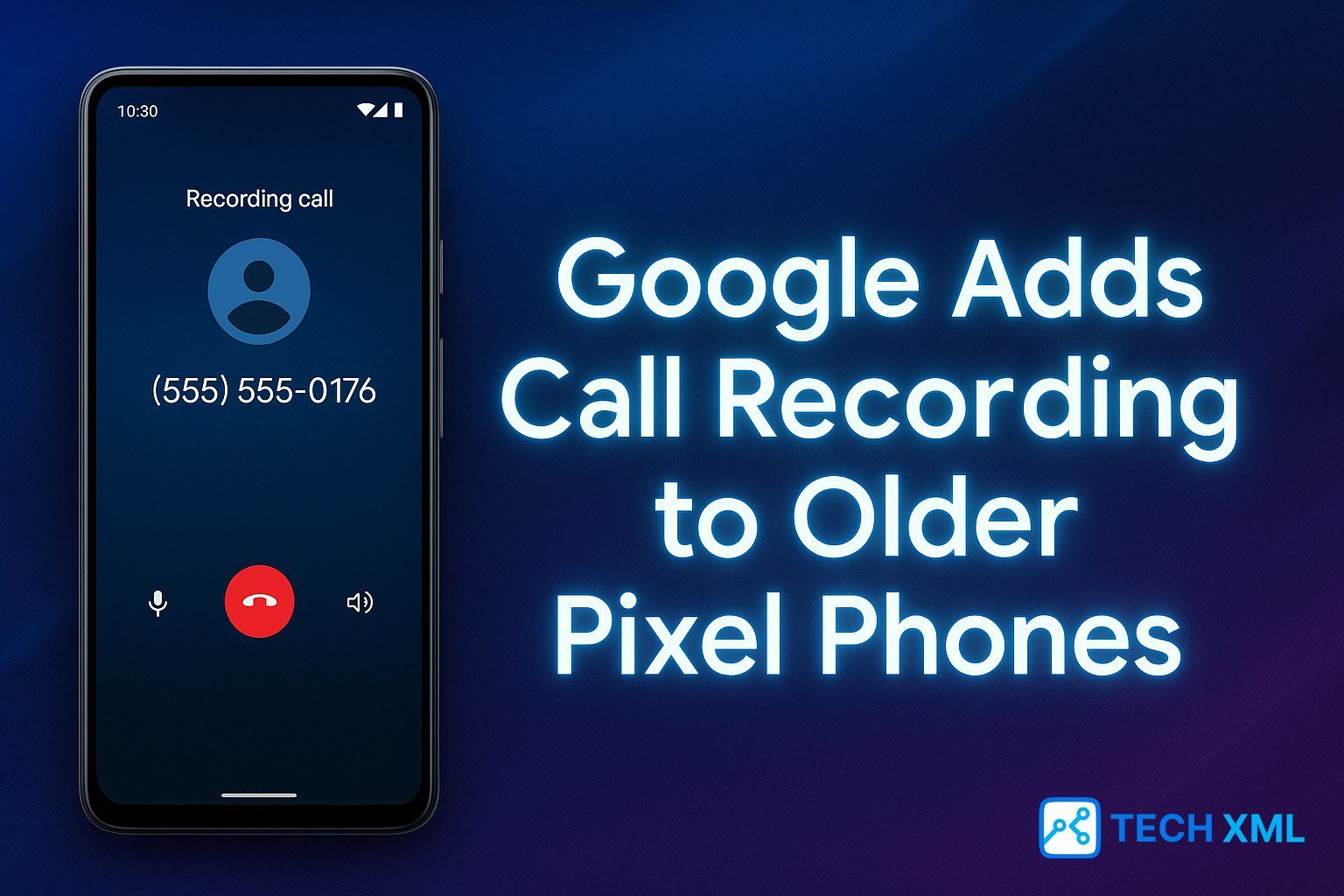
Google Adds Call Recording to Older Pixel Phones, and many long term users feel excited about this improvement because it solves a practical daily need. People who track Android updates already understand how useful this shift feels for call management and work related tasks. This update arrives at a perfect time because users prefer native tools that give control without extra steps or complicated settings.
Pixel users who rely on clean software experiences always expect features that improve communication. This new support creates a simple workflow for people who manage client calls, customer queries, and service records. It also strengthens trust because Google now brings a feature that many users demanded for years, especially on older models that people still use for performance and reliability. The update improves how people record important conversations, and it supports those who want a stable built in solution instead of third party apps.
The New Pixel Call Recording Update for Older Models
This isn’t just a minor patch; it’s a major, functionality-driven improvement. The Google Adds Call Recording to Older Pixel Phones feature is specifically targeting devices that do not support the newer, AI-powered Call Notes functionality, which provides transcription and summaries. This ensures a broad range of users can benefit.
The feature is currently rolling out to the Pixel 6 series, Pixel 7 series, Pixel 8 series, and the Pixel 9a. Users must have their device running Android 14 or a later version, and they need the latest build of the Google Phone app, specifically version 198 or newer. This ensures a consistent and stable experience across compatible hardware.
Why This Feature Expansion Matters
The addition of native call recording offers concrete benefits for both personal and professional use. A built-in feature, unlike a third party application, avoids potential conflicts with system resources and offers better audio quality and stability. This is crucial for maintaining clear records.
For professionals, having a Pixel call recorder feature simplifies service documentation and client call logs. Imagine a small business owner confirming a complex order over the phone; the ability to record that conversation provides an indisputable record, protecting both parties. This reliability makes the Pixel a more formidable device in the competitive smartphone market.
Easy Access and Intuitive Call Recording Compatibility
Google designed the call recording function for simplicity, embedding it directly within the “Call Assist” menu during a live call. This placement makes the feature accessible with minimal taps, streamlining the process of capturing an important conversation.
How to Activate and Use the Feature
Users open the Phone app to enable the feature. They go to Settings and tap Call Assist. They then select the Call Recording option. After that, they choose automatic recording for unknown numbers or pick specific contacts for automatic recording.
For manual recording, users tap the on screen button to begin. The system plays a clear audio message to both callers. This alert informs them that the call is being recorded. This step follows legal rules in many regions. It also shows Google’s strong focus on privacy.
Mini Story
Sarah works as a freelance journalist and uses a Pixel 7 for interviews. She struggled with external recorders during long calls. The new Google Phone recording option changed her entire process. She now gets clean audio every time. She no longer worries about unstable apps. The feature improves her workflow and helps her focus on the interview.
Privacy, Control, and Reliability
A major advantage of this native implementation is the enhanced control over recording management. Users can set their device to automatically delete older recordings after seven, fourteen, or thirty days, or they can choose to keep them indefinitely. This level of granular control helps manage storage space and sensitive data.
The recorded audio files are securely stored locally on the device and are easily accessible in the Phone app’s “Recents” tab. This local storage minimizes external security risks often associated with cloud-based third party solutions. The design prioritizes the user’s data security and privacy.
Read more tech updates on Tech XML
- Vivo Y500 Pro Launched With Dimensity 7400
- Top 5 Social Media Marketing Companies in 2026
- Apple to Launch Affordable MacBook in 2026
- Top 5 Blockchain Development Companies
- Top 5 Mobile App Marketing Companies in 2026
Understanding the Pixel Software Update 2026 Context
This expansion of call recording support signals a strategic move by Google. The company actively seeks to bridge the feature gap between its newer, AI-focused devices and its capable, yet slightly older, flagship models. This approach adds significant long-term value to the Pixel hardware portfolio.
By ensuring that the Pixel 6 and later models receive this capability, Google addresses a longstanding user request. It solidifies the platform’s reputation for providing reliable and functional communication tools. The new feature helps a wide audience, from students documenting lectures to customer support agents needing Android call recording support for quality assurance.
Mini-Story: Mark, a college student, always struggled to take notes during important phone calls with his study group leader. After the Google Adds Call Recording to Older Pixel Phones update, he used the feature on his Pixel 6a to record a complex project planning session. Listening back to the discussion helped him capture all the nuanced details he missed the first time. The feature became an indispensable academic tool.
User Reviews
Review by Sandeep from Mumbai:
I use a Pixel 5 for personal and work calls, and the call recording update feels like a major convenience. I handle clients every day, and this feature helps me store important details without juggling extra apps.Review by Aisha from Lucknow:
The new recording option works cleanly, and I like how the screen shows a clear indicator during calls. I trust the Google Phone app more now because everything feels organised and easy to access.Review by Ravi from Chandigarh:
I manage repairs and customer service calls, and this update saved me plenty of time. The audio quality feels great, and the storage system keeps my files labelled neatly.
Forum Q&A 1: Discussion From a Tech Group in Bengaluru
User Question by Karan from Bengaluru:
I still use a Pixel 4a for basic tasks. Will this new call recording update slow down my phone or reduce battery life?Answer by Anil from Hyderabad:
Your Pixel 4a handles the update smoothly because the Google Phone app uses a lightweight recording module. The tool records audio without heavy processing, so performance stays stable. You will not notice any major change in battery life because the app only works during the call and stops immediately after you end it.
Forum Q&A 2: Conversation From a Pixel Community in Pune
User Question by Shruti from Pune:
Will the Pixel call recorder features work during VoIP calls or only during normal carrier calls?Answer by Mohit from Surat:
The recording option works during normal carrier calls because the feature depends on system level integration. VoIP apps use separate frameworks, so you control recording based on app support. The update improves core calling functions, and you still manage VoIP recordings within individual apps if they allow it.
Faq
1. How do I enable call recording on older Pixel phones?
You open the Google Phone app, start a call, and tap the record button that appears on the screen after the update.2. Which older Pixel models support the new call recording update?
Pixel 4a, Pixel 4, Pixel 5, and Pixel 6 series phones support the update without any performance issues.3. Does Google show a warning before recording starts?
Yes, the Google Phone app shows a quick alert that reminds you to follow local rules before you begin recording.4. Where are recorded calls saved on older Pixel devices?
All recordings appear inside the Google Phone app in the recent recordings section with clear labels and timestamps.5. Does call recording affect battery life on older Pixel models?
No, the feature uses lightweight processing, so it does not cause noticeable battery drain during normal call usage.
Final Thoughts on the Pixel User Experience
The expansion of native call recording to older Pixel hardware is a clear win for the user community. This Pixel update rollout demonstrates Google’s commitment to both powerful Google call features and a responsive software experience across its product line. By offering a reliable, native solution, the company is catering to the practical needs of its user base who rely on their phones for business, service, and personal documentation. Users who prefer reliable native features instead of third party apps will certainly appreciate this upgrade, which further strengthens the already excellent Pixel user experience upgrade.





Leave a Reply