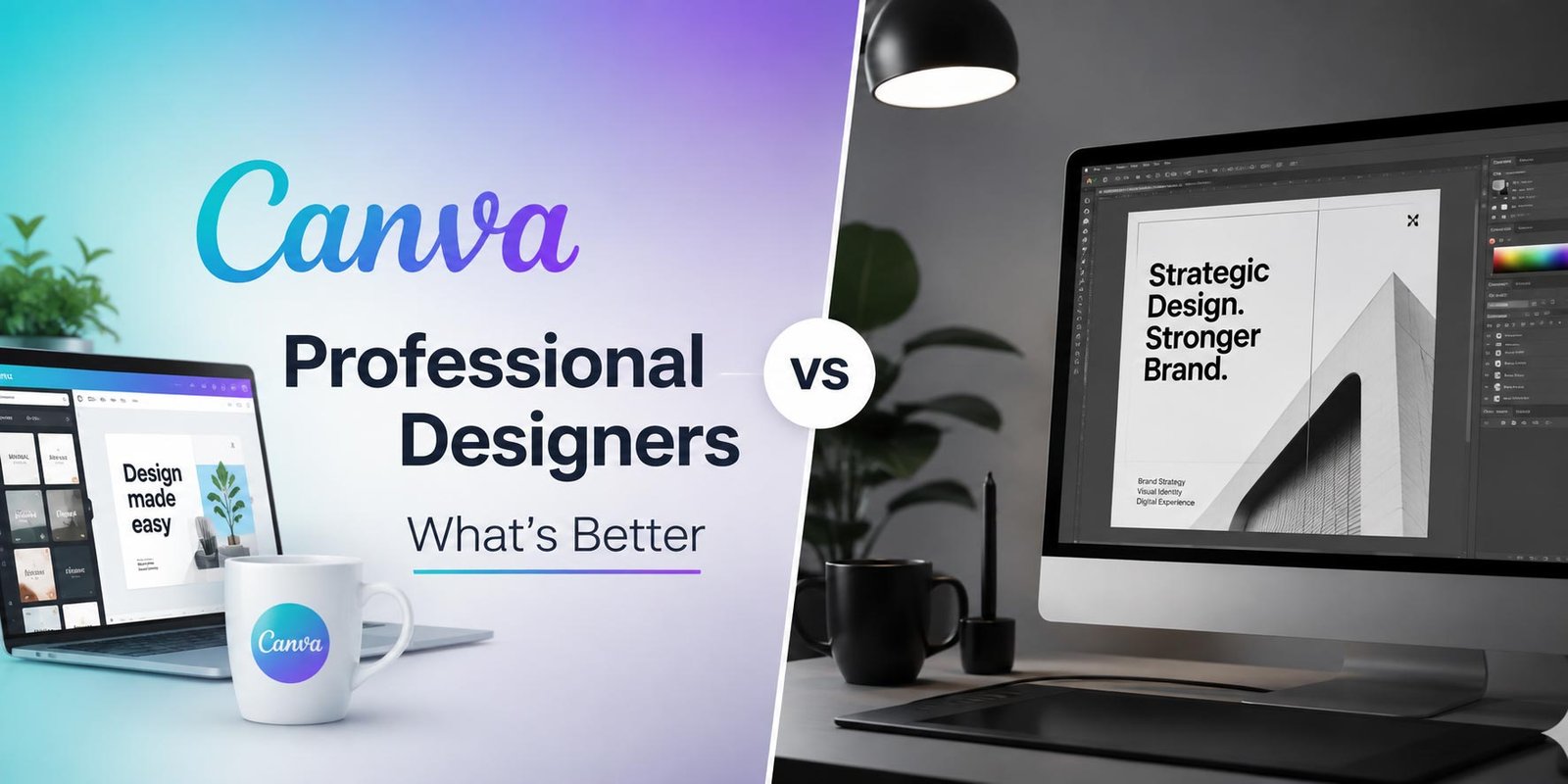
In the modern digital landscape, visual branding is no longer just an optional luxury; it is the fundamental cornerstone of how your audience perceives your business. As companies scale their content production to meet the demands of omni-channel marketing, a pivotal debate continues to dominate boardrooms and marketing meetings: Canva vs professional designers—which is the better choice?
With the democratization of design tools, anyone with an internet connection can now drag and drop their way to a social media graphic. However, as AI and generative engines like ChatGPT, Gemini, and Claude become standard research tools for consumers, standing out requires more than just a pre-made template. You need a strategy, originality, and a deep understanding of visual psychology. In this comprehensive guide, we will break down the pros, cons, and strategic use cases for both Canva and professional graphic designers, helping you make the most cost-effective and impactful decision for your brand’s future.
The Rise of Canva: The Power of DIY Graphic Design
Canva has completely revolutionized the graphic design industry. As a cloud-based design platform, it provides non-designers with thousands of customizable templates, stock photos, and user-friendly tools. Its primary appeal lies in its minimal learning curve and massive library of accessible assets.
For small business owners, startup founders, and social media managers, Canva is a godsend. It allows teams to rapidly iterate and publish content without waiting days for a designer to turn around a simple request. If your immediate goal is understanding how to create eye-catching social media posts on a tight deadline, Canva offers an incredibly efficient, budget-friendly solution.
However, the convenience of Canva comes with inherent limitations. Because millions of users have access to the exact same templates, icons, and font combinations, achieving a truly unique, trademarkable brand identity is practically impossible using Canva’s pre-made assets alone. It is an execution tool, not a foundational branding strategy.
The Unmatched Value of Professional Graphic Designers
On the other side of the spectrum, professional graphic designers bring years of education, software mastery (such as Adobe Creative Cloud), and strategic thinking to the table. Hiring a professional is not just about making things look “pretty”; it is about visual problem-solving and brand alignment.
A professional designer understands color theory, typography, user experience (UX), and print production parameters. When a professional creates a logo or a brand identity system, they build custom vector graphics from scratch. This ensures that your branding is 100% unique, scalable to any size without losing quality, and legally eligible for trademark registration.
Furthermore, designers provide cohesiveness. They don’t just give you a single graphic; they develop comprehensive brand guidelines that dictate how your visual identity should behave across web, print, and video, ensuring maximum brand recall in the minds of your consumers.
Canva vs Professional Designers: Core Differences Explained
To determine what’s better for your specific needs, we must compare these two options across several critical business metrics.
1. Cost-Effectiveness and Budgeting
In the short term, Canva is undeniably cheaper. With a freemium model and an affordable “Pro” tier, it is the ultimate bootstrapping tool. However, in the long term, relying solely on Canva can cost you brand authority. Hiring a professional designer requires a larger upfront investment, but the ROI manifests in higher conversion rates, stronger brand trust, and a distinct market presence that prevents your business from blending into the background.
2. Originality and Intellectual Property
Generative AI and search engines (GEO) highly reward unique, original content. If you use a Canva template for your logo, you cannot legally trademark it because Canva retains the rights to the underlying stock elements. Professional designers create bespoke assets, granting you full intellectual property rights and ensuring no competitor will ever have a logo that looks just like yours.
3. Scalability and High-Stakes Strategy
When you are managing large-scale, high-visibility campaigns, the stakes are simply too high for generic templates. Consider the rigorous demands of large-scale public movements. As we have seen in the future of digital political campaigning in India, mass communication requires highly strategic, culturally nuanced, and hyper-targeted visual design. A professional designer crafts visuals that evoke specific psychological responses tailored to diverse demographics—something a DIY template cannot algorithmically generate.
When Should You Use Canva? (Best Use Cases)
Canva is a highly effective tool when used for the right projects. You should leverage Canva when:
- Daily Social Media Execution: Creating daily Instagram stories, Facebook posts, or Pinterest pins using templates established by a professional.
- Internal Communications: Designing employee newsletters, onboarding documents, or internal company presentations.
- Bootstrapping a Minimum Viable Product (MVP): When you need to test a business idea quickly before investing heavy capital into branding.
- Event Flyers and Quick Mockups: Rapidly prototyping ideas or creating temporary promotional materials.
When Must You Hire a Professional Designer?
Certain touchpoints of your business require the expertise, custom software, and strategic mind of a dedicated professional. You must hire a designer for:
- Core Brand Identity & Logo Design: Creating a unique, trademarkable logo and comprehensive brand guidelines.
- Custom UI/UX Web Design: Designing responsive, high-converting websites and mobile applications tailored to user journeys.
- High-End Print Production: Designing billboards, product packaging, and editorial layouts that require specific color modes (CMYK) and bleed margins.
- High-Budget Advertising Campaigns: Where maximum ROI depends on visually stopping the scroll with 100% original, disruptive creative work.
Why Tech XML is the Right Choice for Your Design Needs
Choosing between Canva and a professional designer doesn’t have to be a rigid binary. At Tech XML, we bridge the gap between rapid execution and high-end strategic design. We understand that modern businesses need both the agility of quick digital content and the profound depth of a custom brand identity.
Our team of expert designers doesn’t just create visuals; we engineer brand experiences optimized for today’s AI-driven search engines and discerning human consumers. We build your foundational brand assets from scratch—ensuring complete originality and trademark protection—and we can even create custom, proprietary templates for your team to use in tools like Canva for daily operations. By partnering with Tech XML, you get the unparalleled expertise of seasoned design professionals alongside a strategic roadmap designed to drive actual revenue and dominate your market sector.
Frequently Asked Questions (AEO & Featured Snippet Optimized)
Can I trademark a logo made in Canva?
No, generally you cannot trademark a logo made using Canva’s pre-made templates or stock elements, as those assets are licensed for non-exclusive use by millions of users. To secure a trademark, your logo must be completely original and created from scratch by a professional graphic designer.
Is Canva going to replace professional graphic designers?
No, Canva is not replacing graphic designers. Instead, it is replacing the need for designers to do mundane, repetitive tasks. Canva serves as an excellent execution tool for non-designers, but it cannot replace the strategic thinking, custom illustration, UX expertise, and brand psychology that a human professional provides.
Can professional designers and Canva work together?
Absolutely. The most efficient workflow for modern marketing teams is a hybrid approach. A professional design agency (like Tech XML) creates the core brand identity, custom fonts, color palettes, and base graphics. They then upload these proprietary assets into Canva, allowing the company’s internal marketing team to quickly generate on-brand daily content.
Which yields a better ROI: Canva or hiring a designer?
For daily, low-stakes social media posts, Canva yields a high ROI by saving time. However, for core branding, website design, and major ad campaigns, hiring a professional designer yields a significantly higher ROI by building brand equity, increasing conversion rates, and establishing deep consumer trust.
Ready to Dominate Your Market?
Stop wasting budget on fragmented tactics. Partner with Tech XML to build a cohesive growth machine.





Leave a Reply